


10 tips and seat map tools to avoid the worst seats on a plane

8 min read
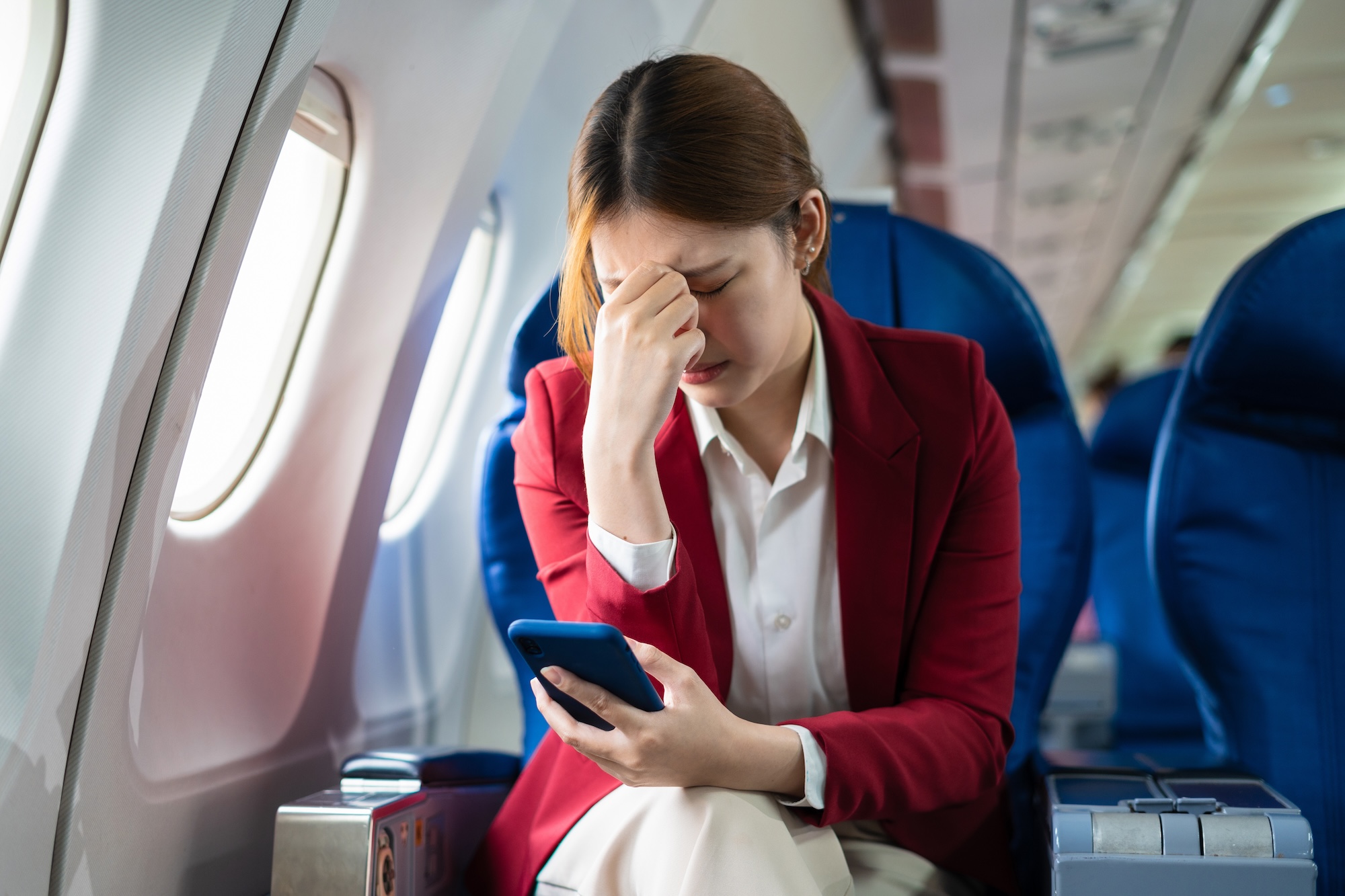
Paying your airline to choose a seat does not necessarily guarantee a good one. A window seat might have no window, an exit-row seat may have restricted recline, and an apparently ordinary aisle seat could put you beside a busy lavatory for an entire long-haul flight.
For years, passengers turned to SeatGuru to identify these problem seats before booking. The site shut down in 2025 after a lack of regular maintenance resulted in outdated aircraft seat maps.

Fortunately, there are now more resources than ever helping passengers avoid problematic seats.
From detailed aircraft diagrams to live seat availability and AI recommendations, these are some of the best ways to avoid the worst seats on the plane.
1. Use AeroLOPA to spot problem seats with full details
AeroLOPA has developed into one of the most comprehensive SeatGuru replacements and, in some ways, surpasses SeatGuru with its extensive seat details (available only to subscribers, but subscriptions are free).
Unlike the simplified diagrams passengers normally see during airline bookings, AeroLOPA produces detailed layouts of passenger accommodation — or LOPAs — showing the positions of seats relative to windows, doors, toilets, galleys and other cabin features.
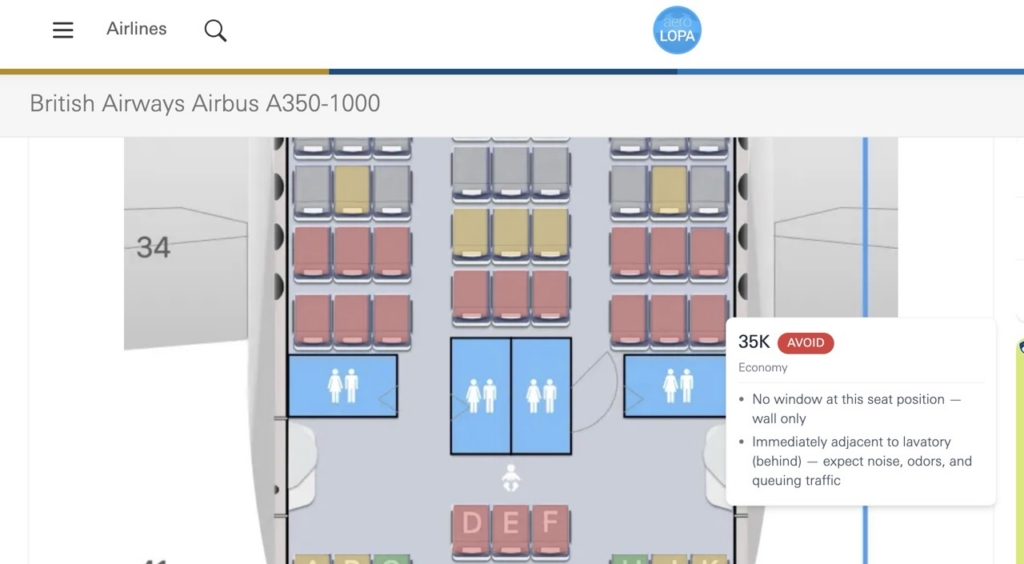
That makes it particularly useful for identifying supposedly desirable window seats that are misaligned, as well as seats near busy cabin areas.
The website has become considerably more passenger-friendly in 2026. Users can now search by flight number and travel date to identify the likely aircraft configuration. Its LOPAs now show seat colour code recommendations that classify seats as Good, Be Aware or Avoid.
AeroLOPA says these assessments consider factors including legroom, proximity to galleys and lavatories, window alignment and the effect of seat recline.
SeatGuru founder Matt Daimler has also joined AeroLOPA, strengthening its claim to be the spiritual successor to his original site.
2. Try SeatMaps for a SeatGuru-style experience
Travellers who liked SeatGuru’s straightforward approach, and don’t want to dive into the full seat specs, may find SeatMaps.com the most familiar alternative.
Its aircraft diagrams provide information including seat pitch, width and recline alongside colour-coded seat recommendations. Some aircraft also have photographs and 360-degree cabin views.
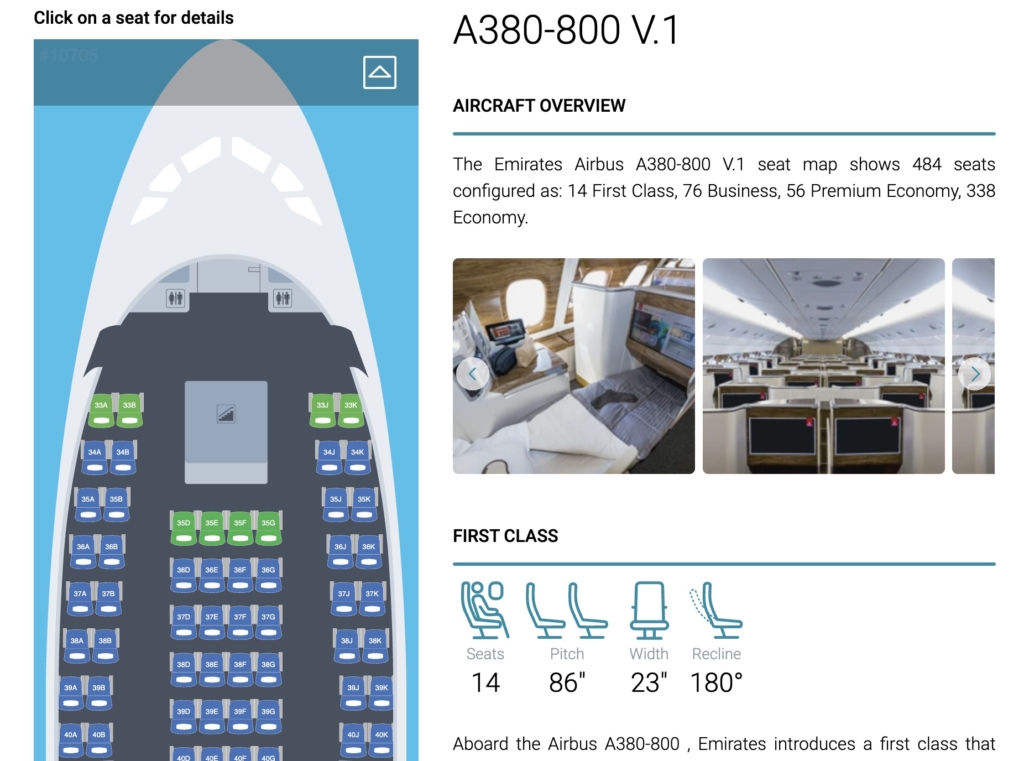
Passengers can also leave ratings, meaning the service combines technical information with experiences from people who have actually occupied particular seats.
That can expose problems that aren’t obvious from a diagram, from cold seats near doors to excessive passenger traffic.
The drawback with any large seat-map database is ensuring that the configuration shown matches the particular aircraft operating your flight, so it is worth checking the aircraft version carefully.
3. Check whether a better seat becomes available with ExpertFlyer
Sometimes the problem isn’t identifying a good seat; it’s that somebody else has already taken it.
ExpertFlyer tackles that problem by combining aircraft seat maps with availability information.
Passengers can search using their airline and flight number and inspect an interactive seat map. ExpertFlyer also highlights potential disadvantages, such as reduced legroom caused by an exit door or proximity to galleys and lavatories.
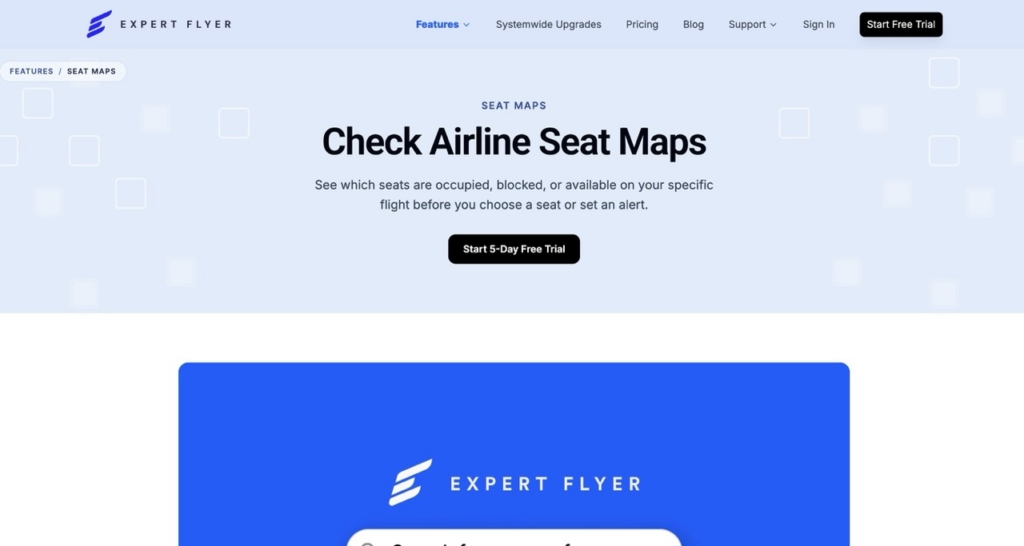
Its most useful feature for travellers stuck with an undesirable seat is Seat Alerts.
Users can ask to be notified when a particular seat becomes available or when categories such as window, aisle, exit row or two adjacent seats open up.
ExpertFlyer has also integrated AeroLOPA cabin information into its service following a partnership announced in 2026. It’s important to note that ExpertFlyer is a paid subscription service.
4. Check AwardFares for live seat availability
AwardFares is best known for helping travellers search for frequent-flyer award availability, but it now also offers a seat-map tool.
Instead of simply showing the physical configuration of an aircraft, it can indicate which seats are currently available, occupied or blocked on a particular flight.
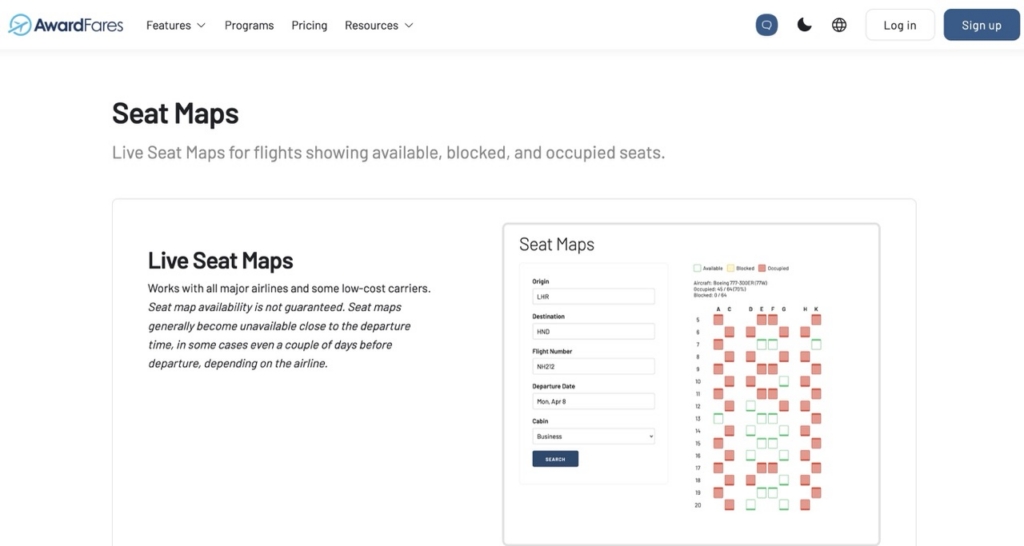
That makes it useful alongside a detailed static map.
For example, passengers could use AeroLOPA to identify several desirable seats and AwardFares to see whether any are actually available.
5. Look at real passenger experiences on SeatLink
A technically good seat can still have disadvantages that aren’t obvious from an aircraft diagram.
SeatLink approaches the problem through passenger reviews and photographs. Travellers can see images and comments from people who have actually occupied particular seats.
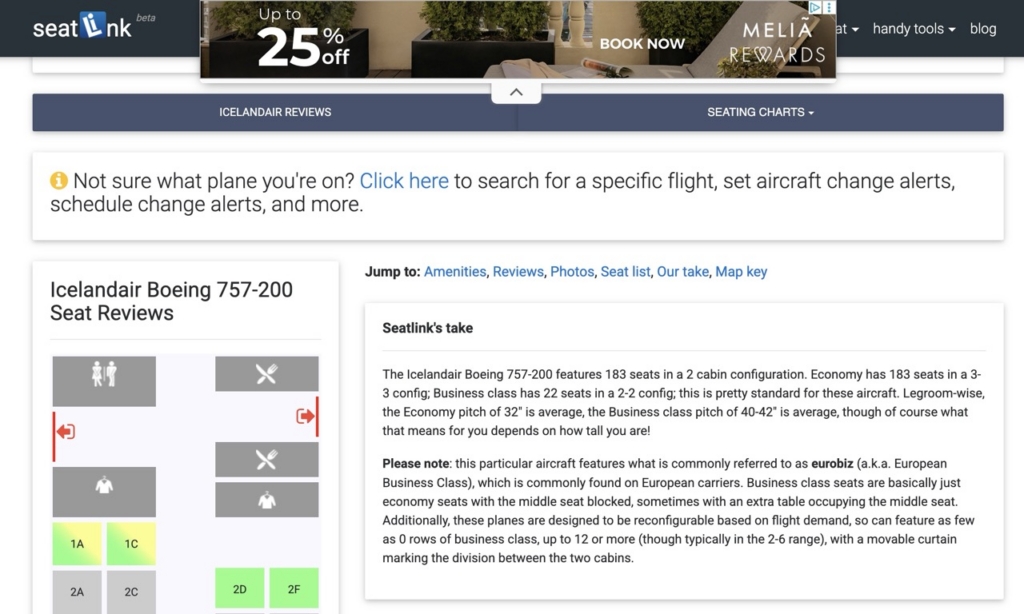
Photographs can be particularly useful for assessing window positions, legroom and the real-world environment around a seat.
The downside of crowdsourced information is uneven coverage. Popular aircraft and airlines may have plenty of information while more obscure configurations have little or none.
6. Keep SeatMaestro as another reference
SeatMaestro is another long-established aircraft seat-map database.
Like the former SeatGuru, it provides colour-coded seat assessments alongside passenger reviews and aircraft information.
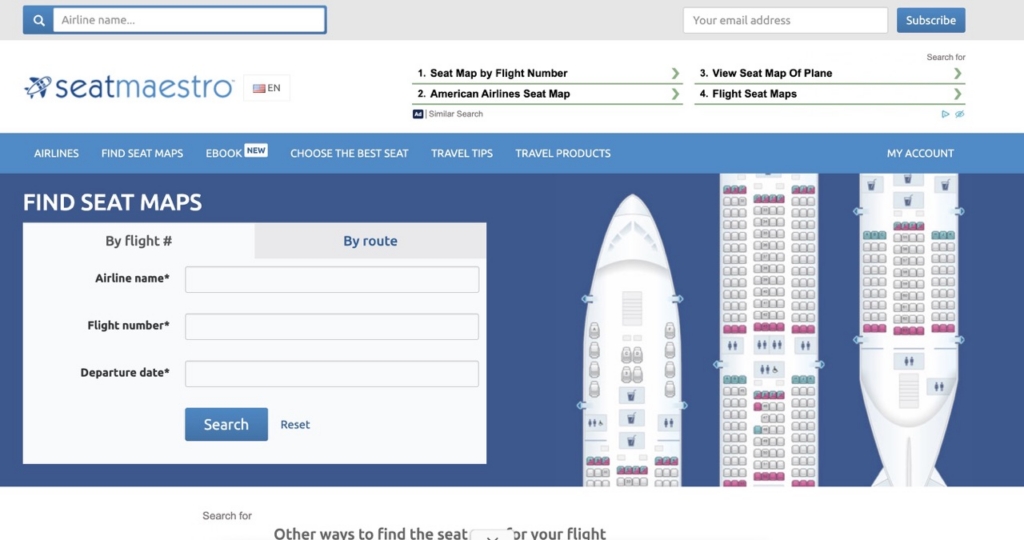
Its large archive can make it useful for older or less common aircraft configurations that aren’t covered by newer sites.
However, information can become outdated as airlines reconfigure aircraft, so passengers should cross-check the layout against another source before relying on it.
7. Try newer seat-map sites
SeatGuru’s disappearance has also created opportunities for several newer services.
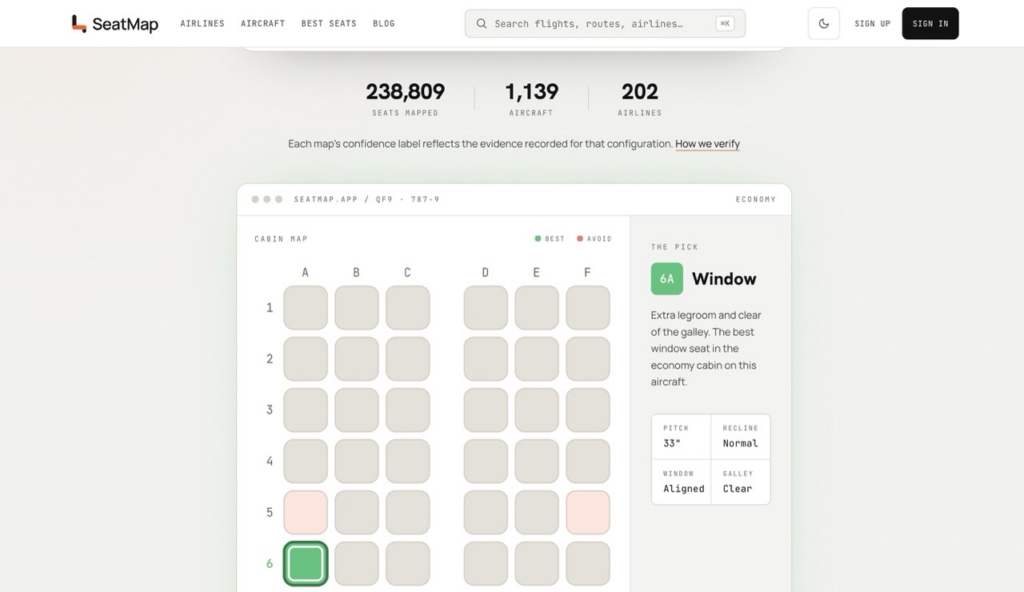
SeatMap.app focuses on aircraft layouts built from airline information and other aviation sources. It provides seat-specific guidance and allows users to look for characteristics such as additional legroom, quieter locations, convenient exits and window alignment. It can even make seat recommendations for you based on your dimensions.
FlightSeatmap.com offers free static aircraft maps, with additional paid features such as seat availability monitoring and alerts.
Another newcomer is SeatCompare.ai, which takes a different approach. Users enter their flight details and cabin, and the service analyses the configuration to recommend seats and identify ones to avoid.
One potentially useful feature is an alert when the planned aircraft changes. That’s important because even the most carefully selected seat can become irrelevant if the airline swaps aircraft before departure.
These newer services are developing rapidly, however, so specific airline coverage can vary.
8. Check the airline’s own seat map before paying
Third-party tools can tell passengers things airlines sometimes don’t advertise, but the operating airline should still be the final check.
An airline’s booking system shows the seat configuration currently assigned to the particular flight and, crucially, which seats passengers are actually allowed to select.
Compare that diagram with the aircraft configuration shown by AeroLOPA, SeatMaps or another independent service.
Be particularly careful when an airline operates several configurations of the same aircraft. Two Boeing 777-300ERs operated by the same carrier, for example, can have substantially different cabins.
Also check again as departure approaches because aircraft assignments can change.
9. Watch out for the classic bad-seat locations
Even without a seat-map website, there are several locations worth examining carefully.
Seats immediately ahead of an exit row may have restricted recline to prevent obstruction of the emergency exit.
The last row of a cabin may also have limited recline because of a wall, galley or lavatory behind it.
Seats beside lavatories can mean queues, conversation, flushing noises and people repeatedly bumping the seat.
Seats beside galleys may experience noise and light while cabin crew prepare meals and drinks, particularly during overnight flights.
Bulkhead seats can provide extra knee room but usually don’t have under-seat storage during takeoff and landing. Some are also bassinet positions, increasing the possibility of sitting near an infant.
Exit-row seats often provide substantially more legroom, but some have narrower seats because the tray table and entertainment screen are stored in the armrest. Certain exit positions can also have unusual door structures that reduce usable leg space.
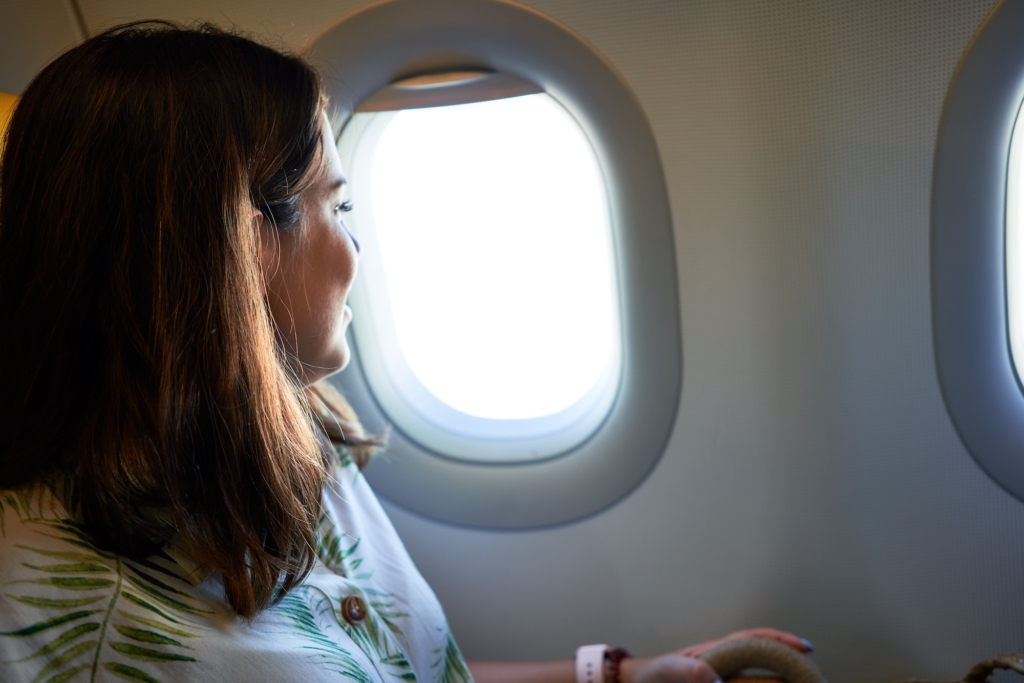
One of the most disappointing finds is the window seat without a proper window. Cabin sidewalls and panels that cover aircraft equipment don’t always align neatly with seat rows. Some window seats either have a partial view or a blank wall beside them. But with a seat-map check, you can identify and avoid these issues before paying for a window seat.
10. Use more than one seat map tool
There is no longer one definitive replacement for SeatGuru — and that is an improvement.
The safest strategy is to use different tools for different jobs.
Start with the airline to identify the aircraft currently scheduled for the flight and see which seats can be selected. Use AeroLOPA or SeatMaps to examine the physical cabin and identify potential problems. Passenger reviews on SeatLink or SeatMaestro can provide additional real-world information, while ExpertFlyer or AwardFares can help you determine whether a preferred seat is available.
Don’t forget to check again shortly before departure.
Airlines sometimes change aircraft for operational reasons. A carefully researched seat on an Airbus A350 will not help much if an aircraft substitution puts passengers in a completely different cabin.
No seat map tool can guarantee a perfect seat. However, spending a few minutes checking seat maps before paying a seat-selection fee can save you money and reduce the likelihood of discovering you’re in the worst seat only after you board the plane.
Sign up for our newsletter and get our latest content in your inbox.


More from

August 31, 20265 min read


August 31, 20264 min read


